




Rick and Morty

🎯 Description
This project fetches data from the Rick and Morty API and displays it in an interactive interface. It generates a navigation menu filtering through the 3 types of data (characters, locations and episodes). It has pagination in each of them and a search input to filter by name.
App: beatrizsmerino.github.io/rick-and-morty
Documentation: beatrizsmerino.github.io/rick-and-morty/jsdocs
📂 Project Structure
rick-and-morty/
├── assets/
│   ├── css/          # Compiled CSS styles
│   ├── favicon/      # Favicon files
│   ├── icomoon/      # Icon fonts
│   ├── images/       # Project images
│   └── js/           # JavaScript files
│       └── scripts.js
├── jsdocs/           # JSDoc generated documentation
├── README/
│   └── images/       # README screenshots
├── .husky/           # Git hooks
├── jsdoc.json        # JSDoc configuration
└── package.json
🏗️ Developed with








API
Rate Limit
The Rick and Morty API is an open API, no authentication is required for use. Nonetheless, to prevent malicious usage of the API there is a limit on the number of requests a given IP address can make. This limit is 10000 requests per day. If you happen to hit the limit you'll receive a 429 status (Too Many Requests) on all your requests during a period of 12 hours.
{
  "characters": "https://rickandmortyapi.com/api/character",
  "locations": "https://rickandmortyapi.com/api/location",
  "episodes": "https://rickandmortyapi.com/api/episode"
}
Adblock Extension
If you have installed the Adblock browser extension, you must select 'pause on this website' for the app to work correctly.
VPN Extension
If you need more API requests, you can use a VPN browser extension to change your IP address.
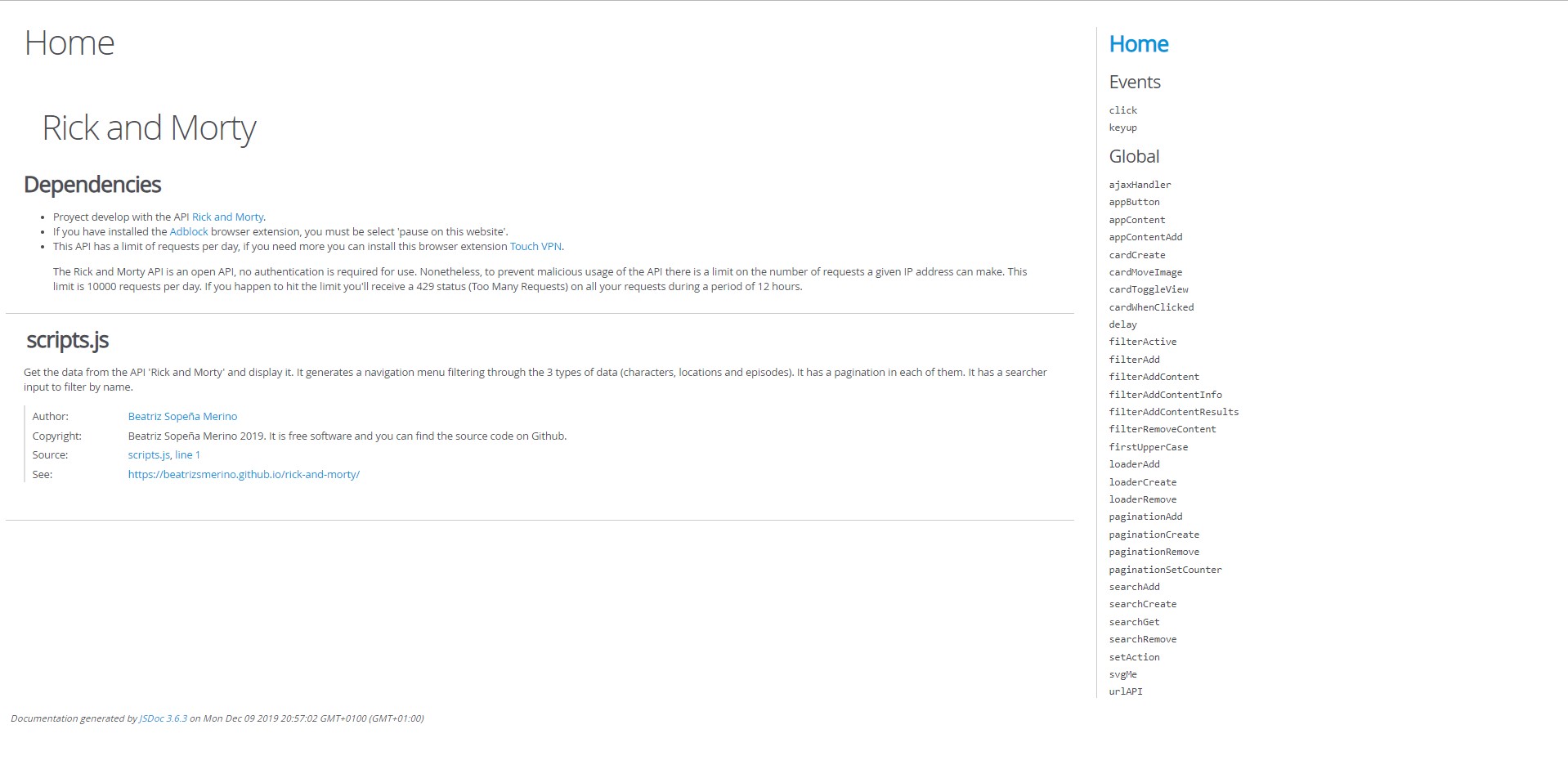
JSDoc
This project uses JSDoc to generate documentation from the JavaScript source code comments.
The documentation is generated from assets/js/scripts.js and exported to the jsdocs folder. It is published on GitHub Pages and can be accessed at beatrizsmerino.github.io/rick-and-morty/jsdocs.
🚀 Commands
Install dependencies
Install all dependencies listed in package.json.
npm install
Clean install dependencies
Remove node_modules and package-lock.json to reinstall from scratch.
npm run install:clean
Lint after install
Runs automatically after npm install to run npm run lint on all project files.
npm run postinstall
Set up Husky git hooks
Runs automatically after postinstall to enable pre-commit and commit-msg hooks of Husky.
npm run prepare
Lints and fixes files
Run Prettier (prettier:fix), ESLint (eslint:fix) and Stylelint (stylelint:fix) to format and lint all project files.
npm run lint
Format files with Prettier
Format CSS, JSON, YAML, JS and HTML files with Prettier.
npm run prettier:fix
Lint and fix files with ESLint
Lint and fix JSON and JS files with ESLint.
npm run eslint:fix
Lint and fix styles with Stylelint
Lint and fix CSS files with Stylelint.
npm run stylelint:fix
Generate JSDoc documentation
Generate documentation from JS source code comments with JSDoc.
npm run jsdocs
🤝 Contributing
This project uses Husky for Git hooks and Commitlint for commit message validation.
All commits must follow the Conventional Commits specification:
type(scope): description
🔗 References
API
Documentation
📄 License
This project is licensed under the MIT License, which allows free use, modification and distribution. See LICENSE for details.